
Vericord IQ3 Inspection
Inspection records your whole operation can find, trust and share.
Remote Video Inspection
Sample data
Illustrative values, not from a real inspection.
- Inspection
- Barge condition inspection (sample)
- Template
- Sample barge condition template
- Asset ID
- SAMPLE-0001
- Status
- Pass
8
Photos
6
Markers
3
Bookmarks
Sign-off: Self Sign by the inspector (sample)
- Capture photo, video, audio, list and form inspections in the IQ3 app.
- Run live remote video inspections.
- Search, review and share every inspection from one central system.
- Enterprise controls, configurable to how your teams inspect.
Used for shipping and receiving, maritime readiness and port operations, and building and maintaining assets in oil and gas.
Sample IQ3 inspection report
PDF download: coming soon
Inspectors record video, audio, list, and form inspections in the IQ3 app on iOS and Android devices.
Records upload to the IQ3 MMS (Multimedia Management System), the web platform where administrators and users set up inspections, monitor live events, play back recorded events, organize them into repositories, and generate reports.
How IQ3 works
- Inspectors capture the inspection in the IQ3 app: photo, video, audio, list and form.
- The event uploads to the IQ3 MMS, where teams review, search, play back and organize it into repositories.
- Teams generate the report and share it, read-only, with people outside the organization.
Field inspections
- Capture photos and record video of every inspection event.
- Geo-tag and bookmark the moments that matter.
- Inspections can be tied to configurable templates, so every inspector follows the same steps.
Also in the app: AR Measure on LiDAR-capable devices, up to 12 pictures per bookmark, and Local Mode for work without internet access.
Remote Video Inspection (RVI)
Administrators and users can monitor live events and run remote video inspections in the IQ3 MMS.
Use RVI for remote witness and supervisor review.
The person on site selects the IQ3 RVI link sent to their email or phone, selects Go Live, and streaming begins.
Live audio, video and text chat keep the remote reviewer and the person on site working together.
Search and share
Enterprise controls and configurability
- Configure inspection templates to how your teams inspect.
- Export inspection data to your ERP.
- Connect IP cameras and Bluetooth audio gateways.
- Runs in any HTML5 browser.
Security and hosting
- Data is encrypted with AES-256.
- All stored data is hosted on private, dedicated servers with disaster recovery failover.
- Inspection records are tamper-proof digital records.
- Inspection data is searchable for 5 years, then moves to cold storage; extension or transfer to local storage is available on request.
Shipbuilding and vessel construction

Shipyard QA/QC teams, Class/Owner surveyors, and Owner’s representatives need reliable documentation of installation quality throughout construction and close-out.
The challenge
- Evidence and forms end up fragmented across paper, phones, email, and shared drives.
- Critical work becomes physically inaccessible after close-out (insulation, bulkheads, box-ins).
- Many vessel areas (double-bottoms, tanks, engine rooms) have no Wi-Fi or cellular for live tools.
- Surveyor travel and scheduling delays hold up release decisions and increase costs.
Three lanes for shipyard use
- Lane 1, checklist and auto-generated reports. For routine QA, daily and shift logs, standard checks, punch items and progress documentation. Inspectors complete structured checklists and attach photos at item level, and IQ3 produces auto-generated standardized reports. Works offline.
- Lane 2, video and checklist overlay. For irreversible close-outs where proof matters later, such as routing and installation before insulation or bulkhead closure. Continuous walkthrough video is captured while checklist items are completed, and each item is a bookmark on the timeline. Lane 2 also works offline.
- Lane 3, Remote Video Inspection (RVI). For coverage-friendly areas where travel and scheduling delays hold up a release decision. The surveyor initiates and authorizes the RVI session, the shipyard streams a live walkthrough, and the surveyor directs, drops markers and adds notes in real time. When there is no coverage, Lanes 1 and 2 capture offline and sync later.
The value to your operations
- Instant report generation: auto-generated standardized reports the moment the inspection is done.
- Documentation accuracy: photos, video, notes and voice captured in real time.
- Centralized record management: all inspection data in a secure, searchable cloud environment.
- Fewer on-site follow-ups: issues are resolved live during inspections (RVI).
- Lower liability risk: digital documentation and audit trails that stand up to Class, owner, and regulatory scrutiny.
- Less vessel downtime: faster inspections keep construction moving toward delivery milestones.
IQ3 does not replace your ERP, drawing tools, or weld traceability systems. It runs in parallel as the field evidence and documentation layer.
Downhole tool lifecycle
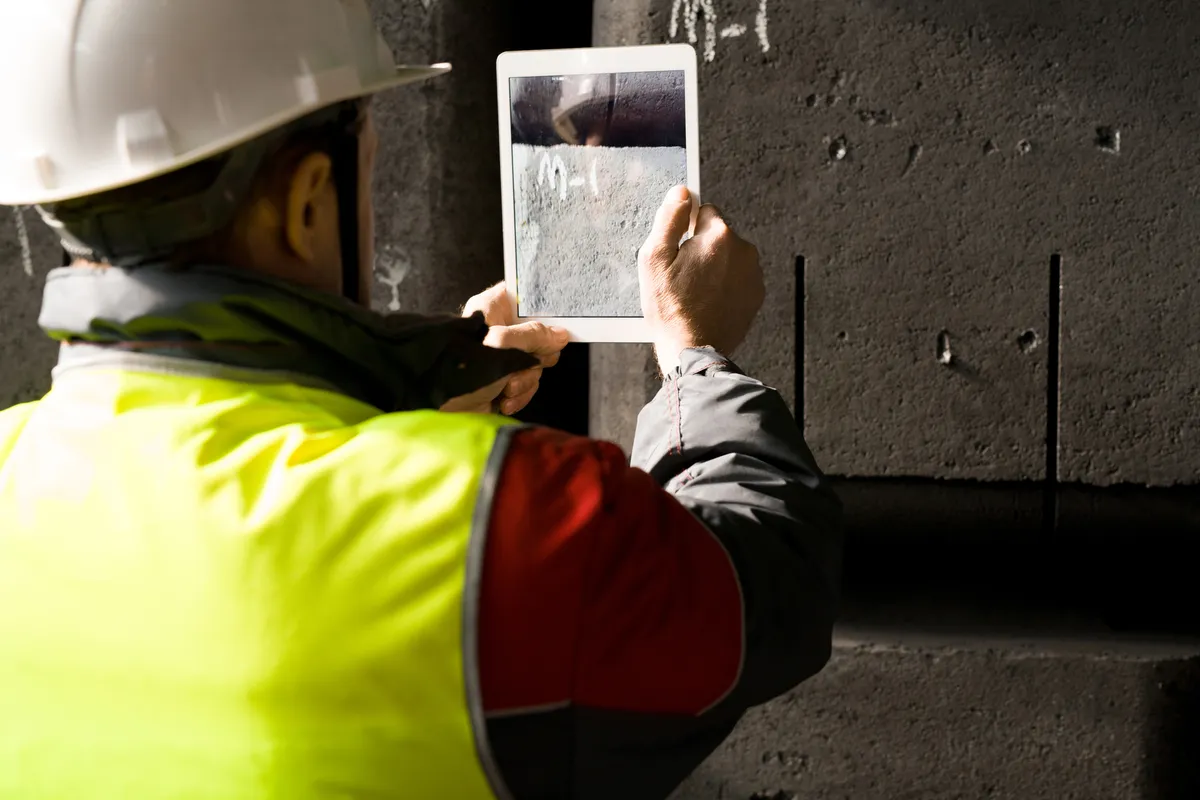
IQ3 is for QA/QC managers, shop supervisors, field engineers, and operations leaders at companies that manufacture, rent, and service downhole drilling tools, including drilling motors, rotary steerables, MWD tools, and BHA components.
IQ3 creates a Digital Chain of Custody for every tool in your fleet: a time-stamped inspection record combining video, photos, and structured checklist data, captured on any Android or iOS device (even offline) and organized in the MMS for review, retrieval, and reporting.
Every record is searchable by 40+ indices, including date, inspector, Asset ID, location, bookmark and more.
The operational reality
- Tools cycle between manufacturing, field yards, and service shops across states and provinces, and inspection data lives in silos.
- When a motor returns from a tough run, condition documentation determines repair, refurbish, or scrap.
- Timestamped, traceable records are mandatory under API RP 7G-2, API Q2, and OSHA 29 CFR 1910.
- Manual report compilation, duplicate data entry, and emailed photos take time away from inspecting.
Three lanes for the tool lifecycle
- Lane 1 for tools: checklists and PDF reports. Motor teardown inspections, dimensional checks, post-run evaluations, receiving QA, safety audits and daily shift logs, with pass/fail markers and photos at item level.
- Lane 2 for tools: video with checklist overlay. Rotor/stator condition documentation, pre-refurbishment evidence, wear charge justification and returned tool intake, timestamped and bookmarked.
- Lane 3 for tools: remote expert review (RVI). Remote expert review of returned tools, cross-location QA decisions, customer-facing inspections and field troubleshooting, from an SMS or email invite with no app install.
Document handling
- PDFs can be digitized in the MMS with structured entry fields, checkboxes, and radio buttons.
- Built for shop and field environments: capture offline, sync when returning to connectivity.
Key use cases
- Post-run tool inspection: document rotor/stator condition, bearing wear, and housing integrity the moment a tool returns from the field.
- Multi-location QA standardization: the same inspection template at every yard.
- Manufacturing build QA: document each stage of the manufacturing process with structured checklists and photo evidence.
- Shipping and receiving verification: record outbound tool condition before shipping and inbound condition on receipt.
- Remote expert inspection via RVI: senior engineers at HQ guide field technicians through complex inspections in real time.
IQ3 does not replace your ERP, maintenance management, or drilling data systems, and it does not require integrations to provide value. When you do want tighter alignment, IQ3 provides APIs and an SDK for integration.
Maritime and oil and gas inspections
- Maritime: speed up inspections and reduce non-productive time, with standardized reports generated the moment the inspection is done.
- Oil and gas: senior engineers direct inspections at any field yard without travel, through live Remote Video Inspection.
- Both: a defensible “what it looked like at the time” record for disputes, warranty claims, and customer deliverables.
Government permitting: MGO integration
Vericord is a fully integrated MGO partner.
IQ3 integrates with MyGovernmentOnline (MGO).
The integration connects field inspections with permitting, licensing and code enforcement workflows.
Remote Video Inspections (RVI) are especially useful for reducing re-inspect trips and conducting standard annual re-permitting inspections.
The jurisdiction’s building official decides which inspection types may be done by Remote Video Inspection (RVI).
From the MGO Web Console, users can initiate RVIs, monitor events as a supervisor, and request, generate, and share reports.
Inspectors can schedule and initiate on-site inspections from the MGO Mobile App.
IQ3 inspection confirmations are immediately accessible in the MGO portal.

Built for municipal inspections
- IQ3 runs on any Android or iOS mobile device.
- The inspector workflow is configured to match the inspection type, for example code enforcement, permitting, or fire.
- Reports are automatically completed and uploaded.
- A digital on-screen measuring tool is in the IQ3 app.
- Every inspection event can be live streamed.
- Video conferencing with up to 10 participants during any inspection.
The integration uses OAuth 2.0 authentication.
The MGO Integration Brochure, the MGO Integration One Pager and the RVI inspection types guidance are on the Documents page.
IQ3 user manuals and guides are on the Documents page.